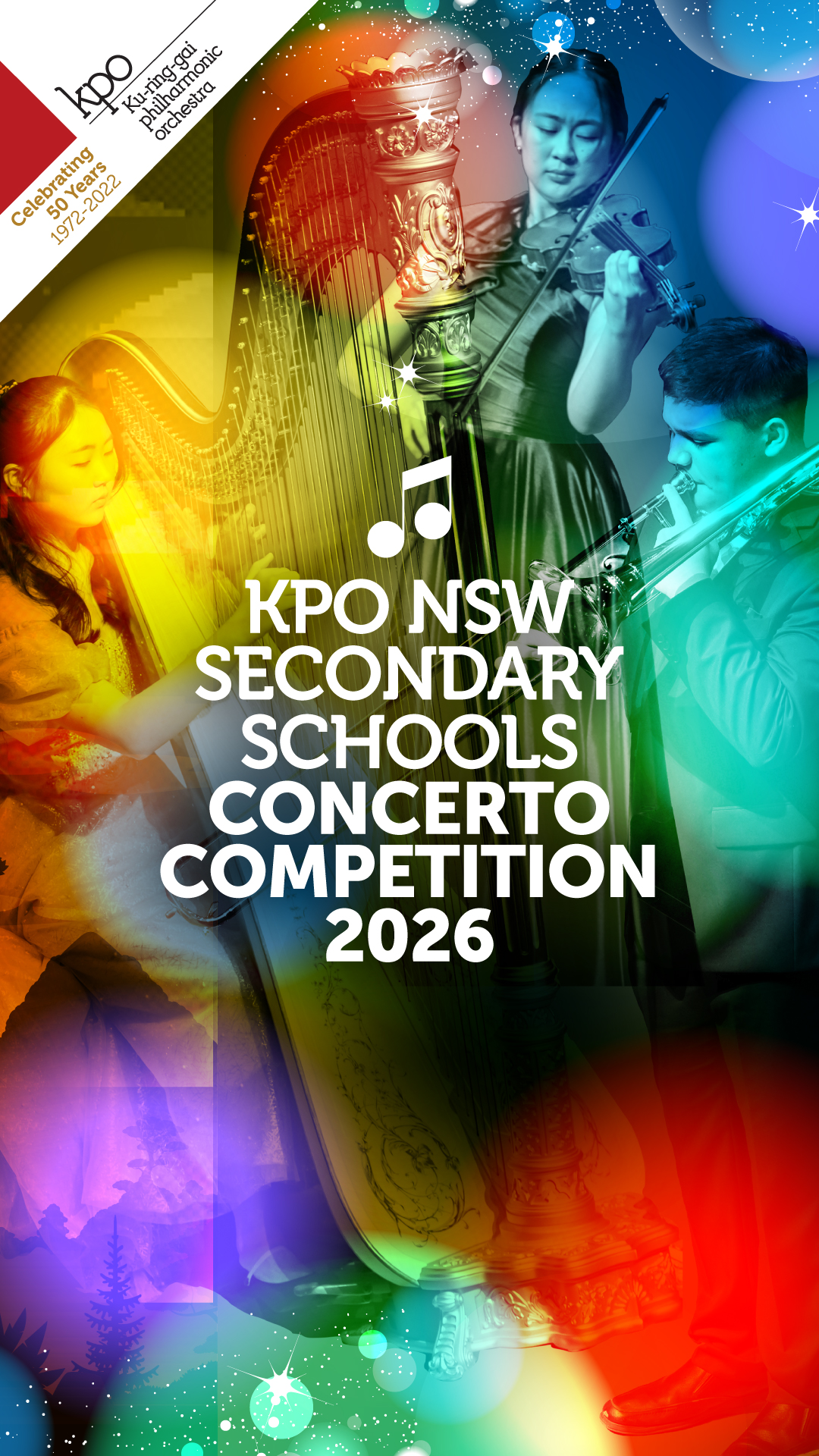
How to Enter the 2026 NSW Secondary Schools Concerto Competition
The 2026 Concerto Competition will consist of three Stages. Stage 1, known as the Auditions, will be adjudicated by submitted video recording, as is done currently with AMEB examinations.
The process is:
- Read the Rules and Frequently Asked Questions before you submit your entry to avoid mistakes or misunderstandings (and check with your instrumental teacher).
- Submit an entry by clicking on the link, filling out all of the details and paying the fee. The maximum number of entries have been received.
- When you have registered, you will be given a unique Registration ID to upload with your performance video. Save this code for when you are ready to upload your video. Recorded performances must be submitted by 10pm Monday 23 February 2026. The adjudicators will review the recorded performance and select 20 Semi-finalists.
Instructions for recording your video entry for the concerto competition:
- The video should be recorded in one take and no editing is allowed.
- It must be supervised by an adult.
- The candidate and accompanist must be visible for the whole of the recording.
- Test your recording equipment prior to your final recording and ensure that the sound quality is good, the balance with the accompanist is good and that the video image is not mirrored. Also check that the lighting is good so that you are clearly seen in the video.
- The time limit for the recording is 5 minutes.
- Please announce your name and the piece you will be playing at the beginning of the recording.
Video Upload Instructions:
The cutoff date for submission of videos has passed.
- Entrants must upload their audition video to YouTube. This can be uploaded as an Unlisted video if you prefer.
- Copy a link to the YouTube video by clicking the Share button and then the Copy button.
- Paste the copied link into the audition submission form where prompted.
- You will need your Registration ID Number from your entry form (it was also emailed to the first email contact on your entry form - "student email contact").
© 2022 Ku-ring-gai Philharmonic Orchestra
Website design by Martin Brown